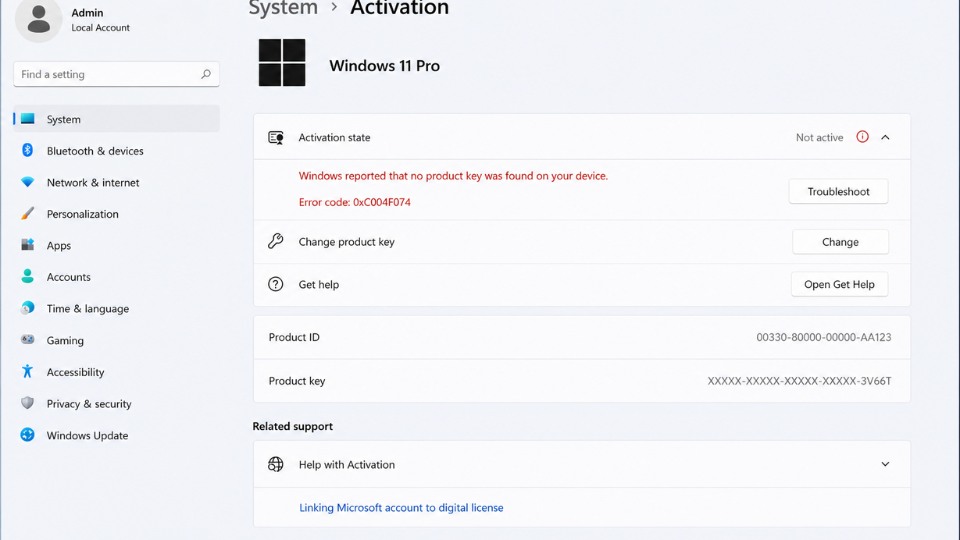
Lỗi 0xC004F074 thường kèm thông báo “The activation server determined that the specified product key is invalid” hoặc không kết nối được với máy chủ kích hoạt. Đây là lỗi phổ biến khi kích hoạt Windows 11. Dưới đây là cách khắc phục hiệu quả theo thứ tự.
1. Kiểm tra cơ bản
- Đảm bảo máy có kết nối internet ổn định.
- Khởi động lại máy tính.
- Kiểm tra ngày giờ hệ thống chính xác.
2. Chạy Activation Troubleshooter
- Nhấn Windows + I mở Settings.
- Chọn System → Activation.
- Bên dưới Activation state, click Troubleshoot (nếu có).
- Để Windows tự động chạy công cụ khắc phục.
3. Kiểm tra và đồng bộ Ngày & Giờ
- Vào Settings → Time & language → Date & time.
- Bật Set time automatically và Set time zone automatically.
- Nhấn Sync now.
- Khởi động lại máy rồi thử kích hoạt lại.
4. Sử dụng Command Prompt (Cách khắc phục hiệu quả nhất)
Mở Command Prompt với quyền Administrator:
- Nhấn Windows + S, gõ cmd, chuột phải → Run as administrator.
- Gõ lần lượt các lệnh sau (Enter sau mỗi lệnh):
cmd
slmgr /ipk xxxxx-xxxxx-xxxxx-xxxxx-xxxxx(Thay xxxxx-xxxxx-xxxxx-xxxxx-xxxxx bằng Product Key Windows 11 thật của bạn)
Sau đó gõ:
cmd
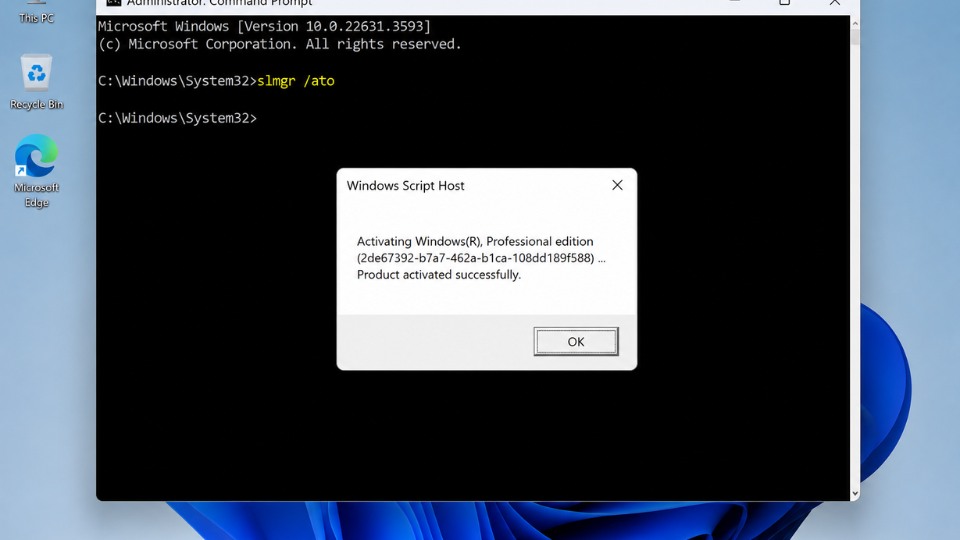
slmgr /atoNếu dùng KMS server:
cmd
slmgr /skms kms8.msguides.com
slmgr /ato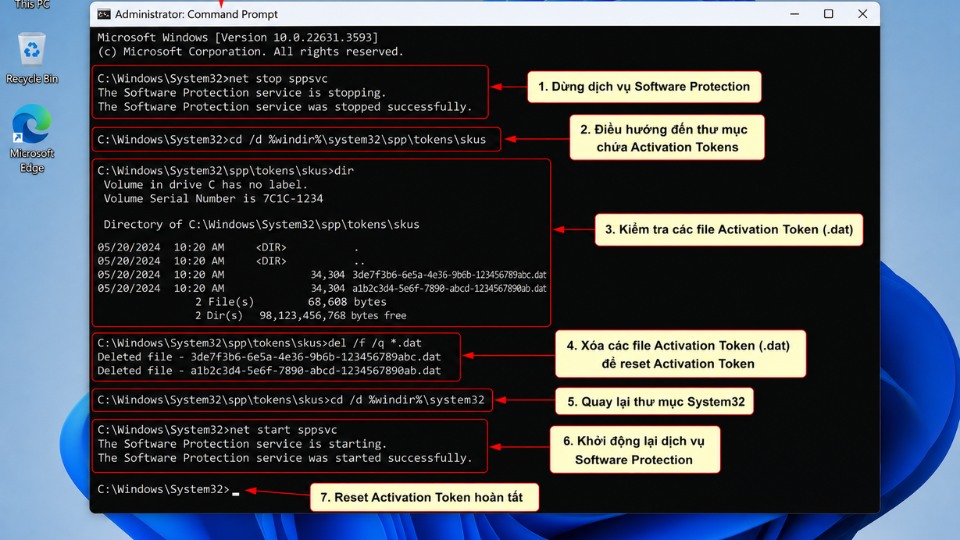
5. Reset Activation Token
Trong Command Prompt (Admin) gõ lần lượt:
cmd
net stop sppsvc
ren C:\Windows\System32\spp\store\2.0\tokens.dat tokens.dat.bak
net start sppsvc
slui 3
Sau đó nhập lại Product Key của bạn.
6. Các cách khắc phục nâng cao
- Tắt tạm thời Firewall và Antivirus.
- Vào Settings → Windows Update → cập nhật Windows 11 mới nhất.
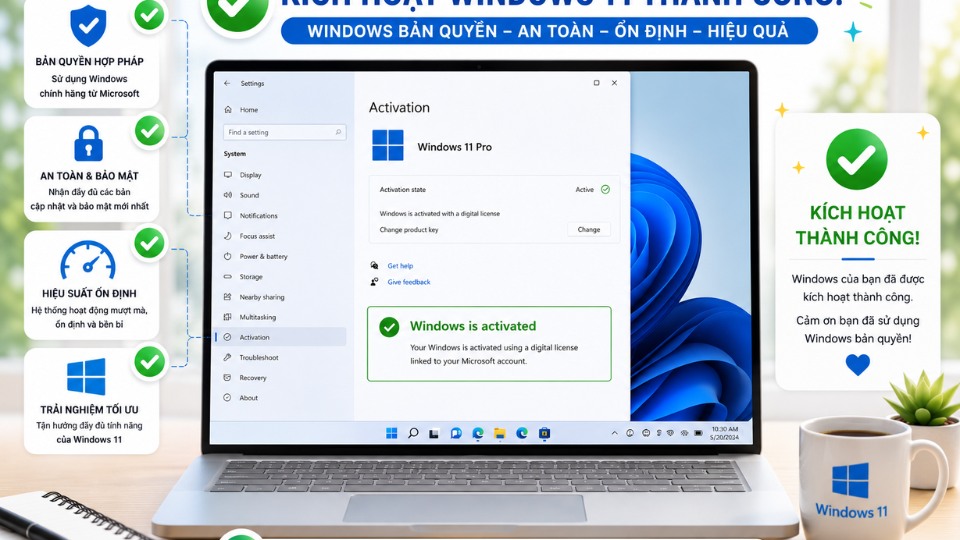
- Kiểm tra trạng thái kích hoạt bằng lệnh: slmgr /dli
- Nếu vẫn không được: Reset Windows (giữ file cá nhân) hoặc sử dụng key Windows 11 chính hãng.